With DepositFix's form builder, you can build form templates, or clone forms to avoid building the same forms over and over again, and also to eliminate the possibility of any errors while building them.
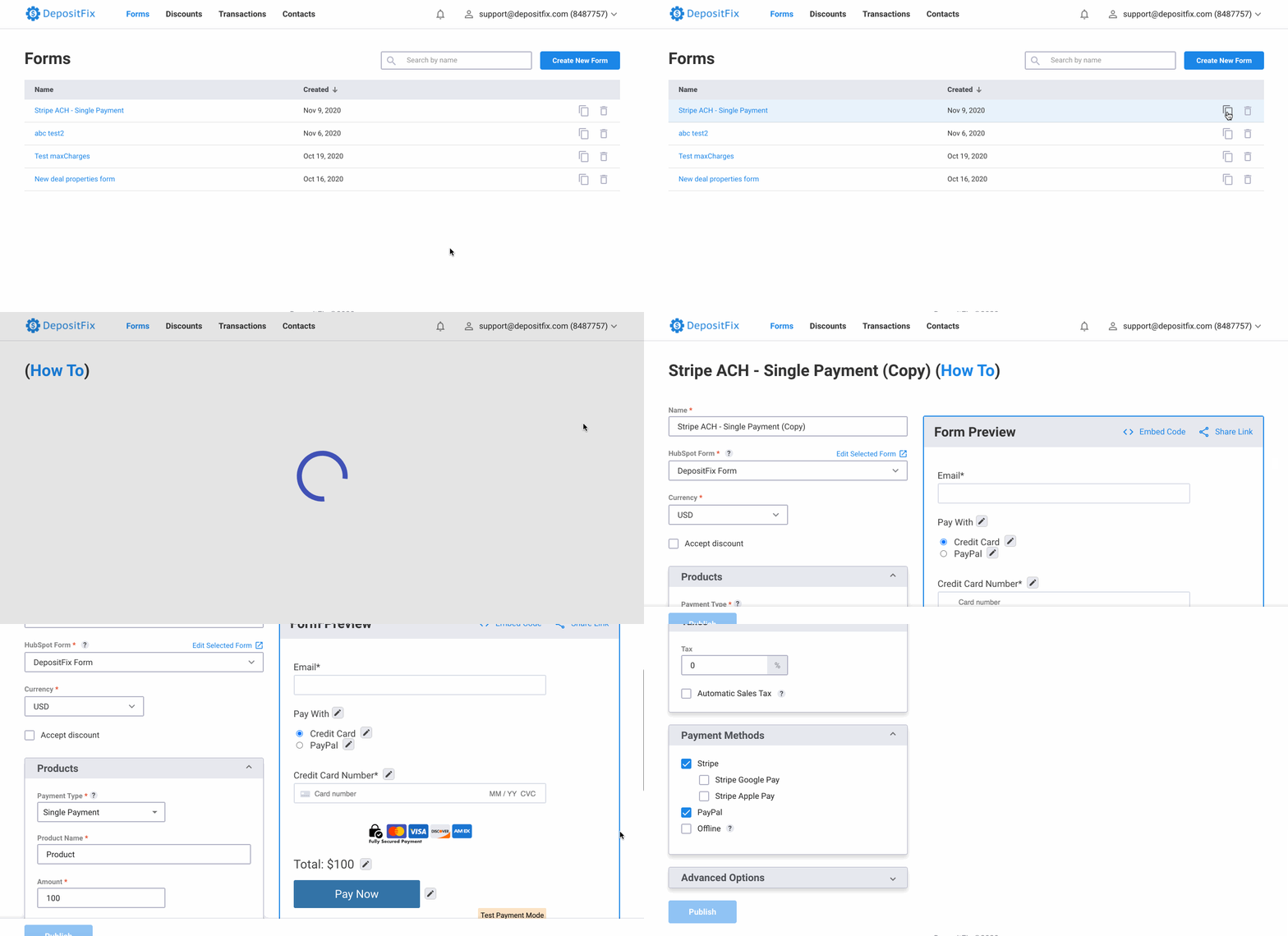
The clone form feature saves you a lot of time and effort, and ensures that your forms are cloned correctly.
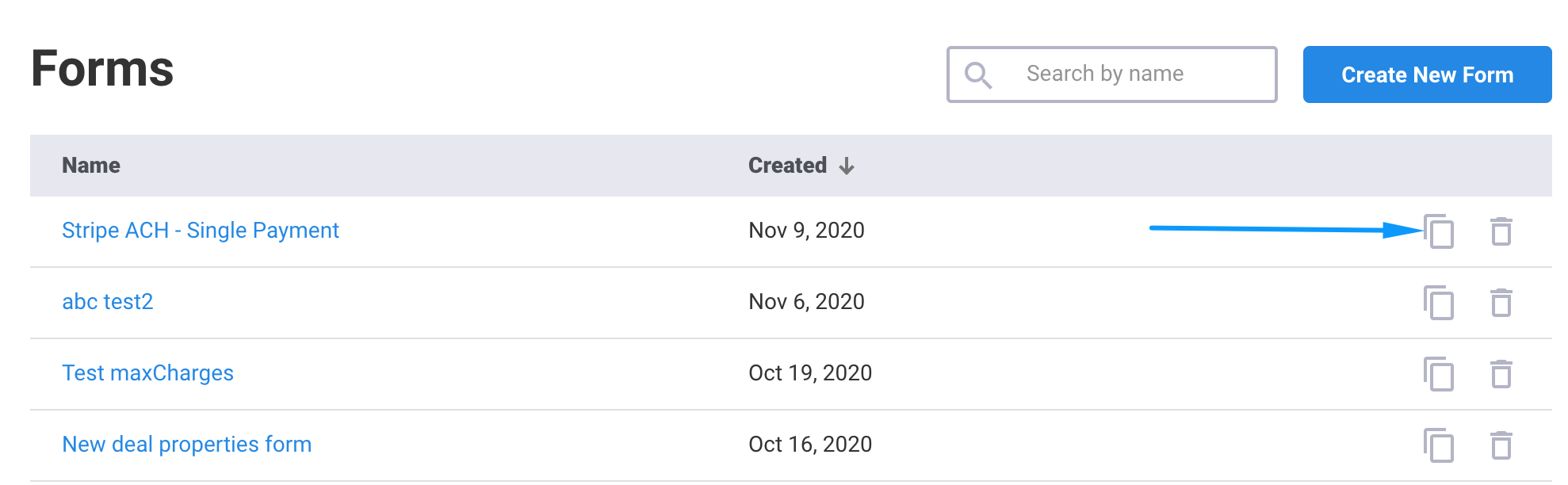
1. In order to clone a form, go to Forms in your DepositFix dashboard.
2. Locate the form you'd like to clone, and click on the clone icon.
This will create a new identical form to the original one with the same name, and an added (copy) at the end.
The new form will copy all the settings from the original form, including the HubSpot Form, product names and types, prices, and even copy any advanced settings such as callbacks, styles, etc.
Next: Form Landing Pages