You can manage multiple users to have access to the same DepositFix account, from your DepositFix dashboard, click on your name to open the settings menu, then select Users.
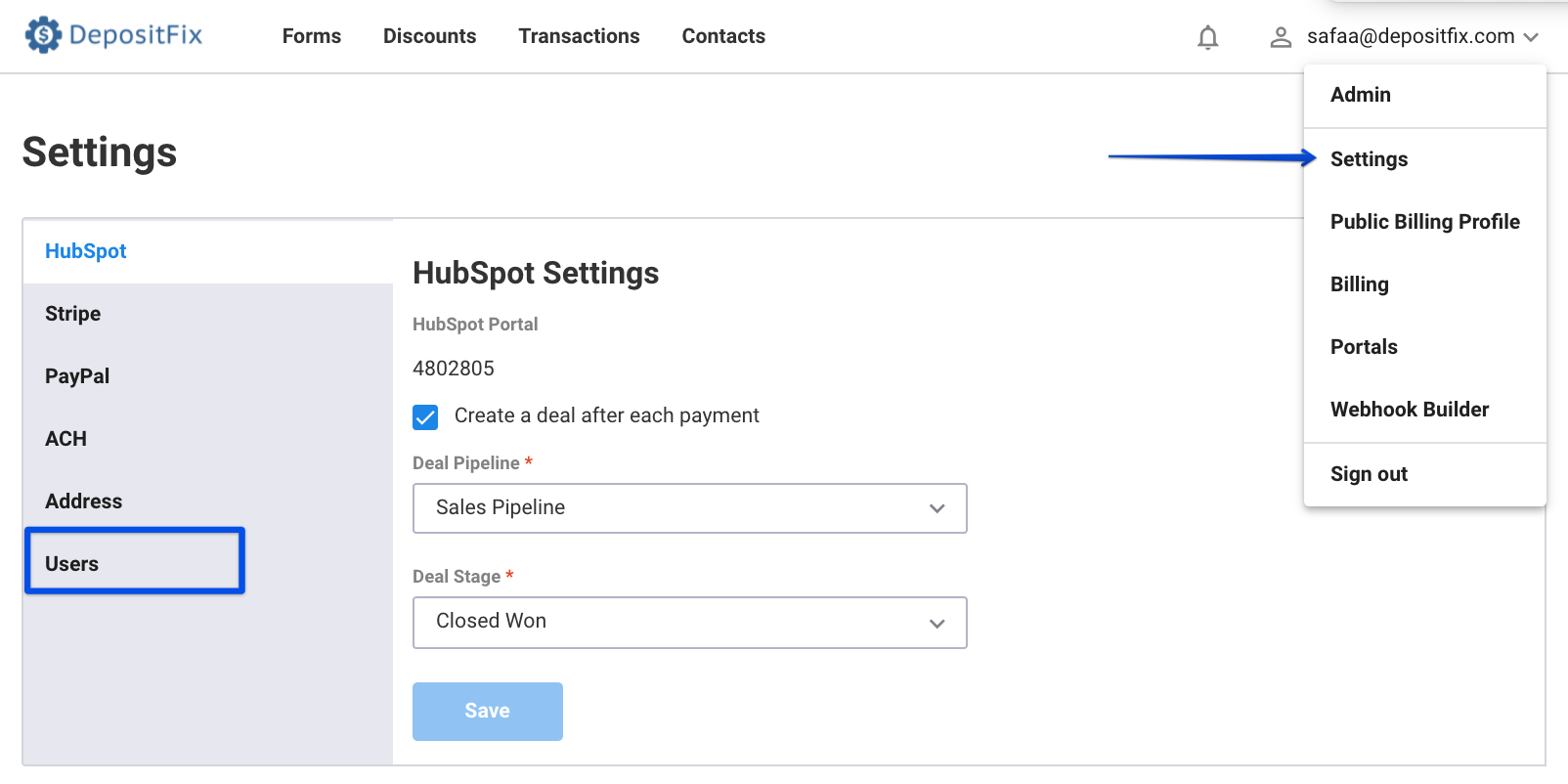
Adding a New User
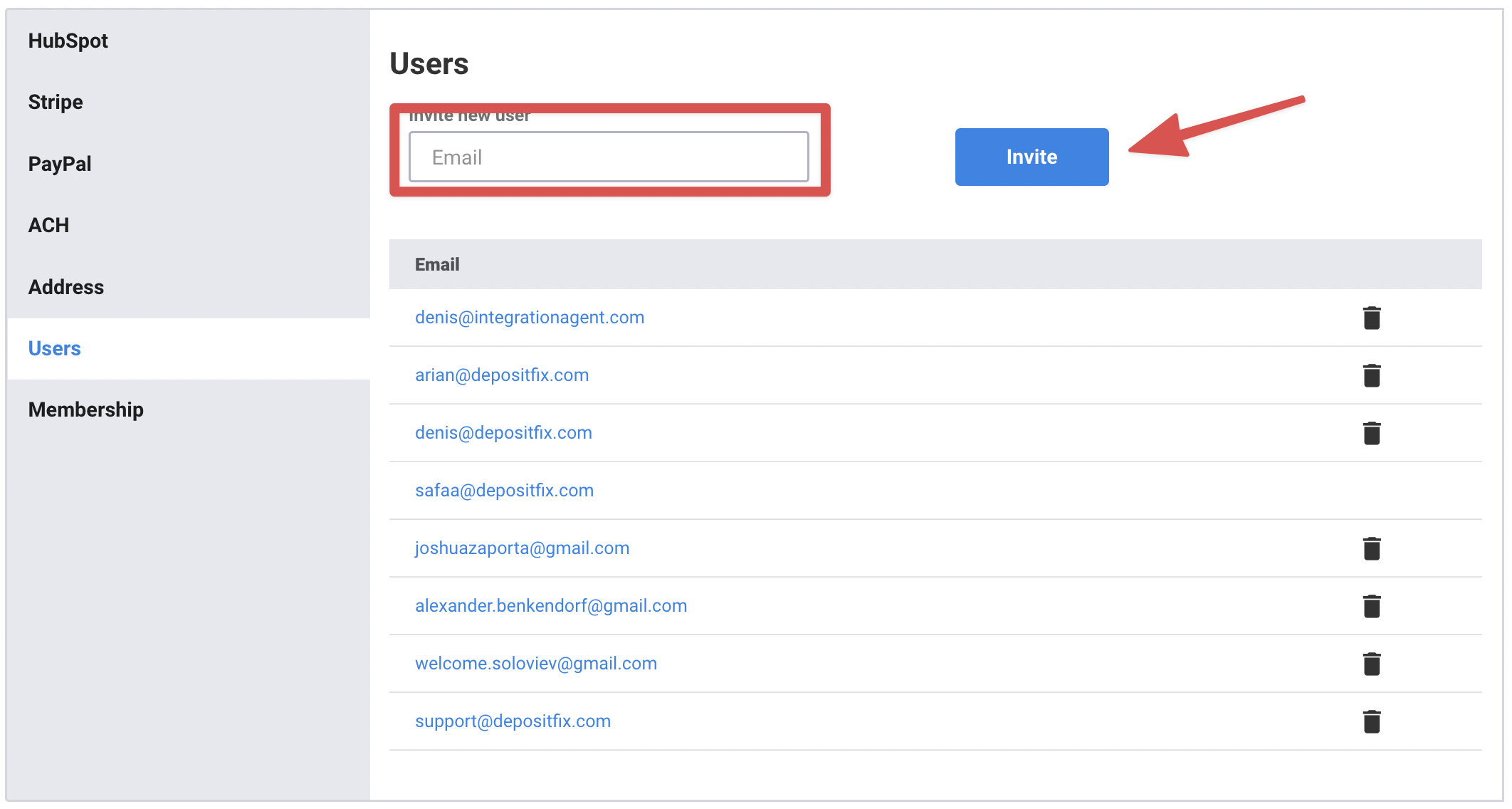
From the users' menu, Fill in the user's email address you'd like to invite, and click on Invite.
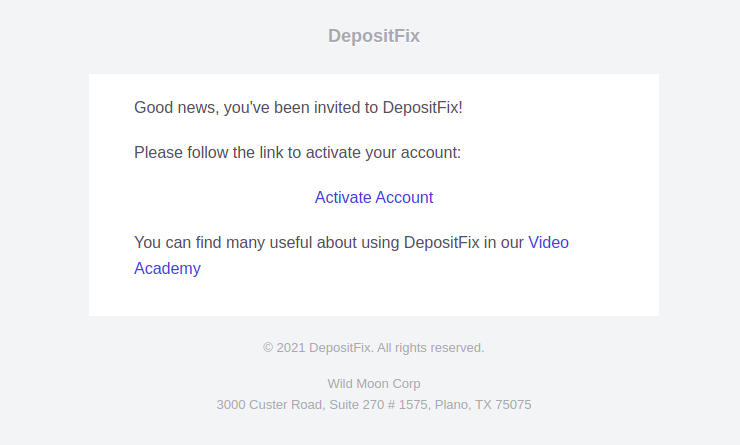
The invited users will receive an invitation email with a link to join DepositFix. Click on "Activate Account"
Follow the screen prompts to create your password, and you're in!
Removing Users
To remove an existing user, from the users' menu, scroll to locate their address, and click on the delete icon
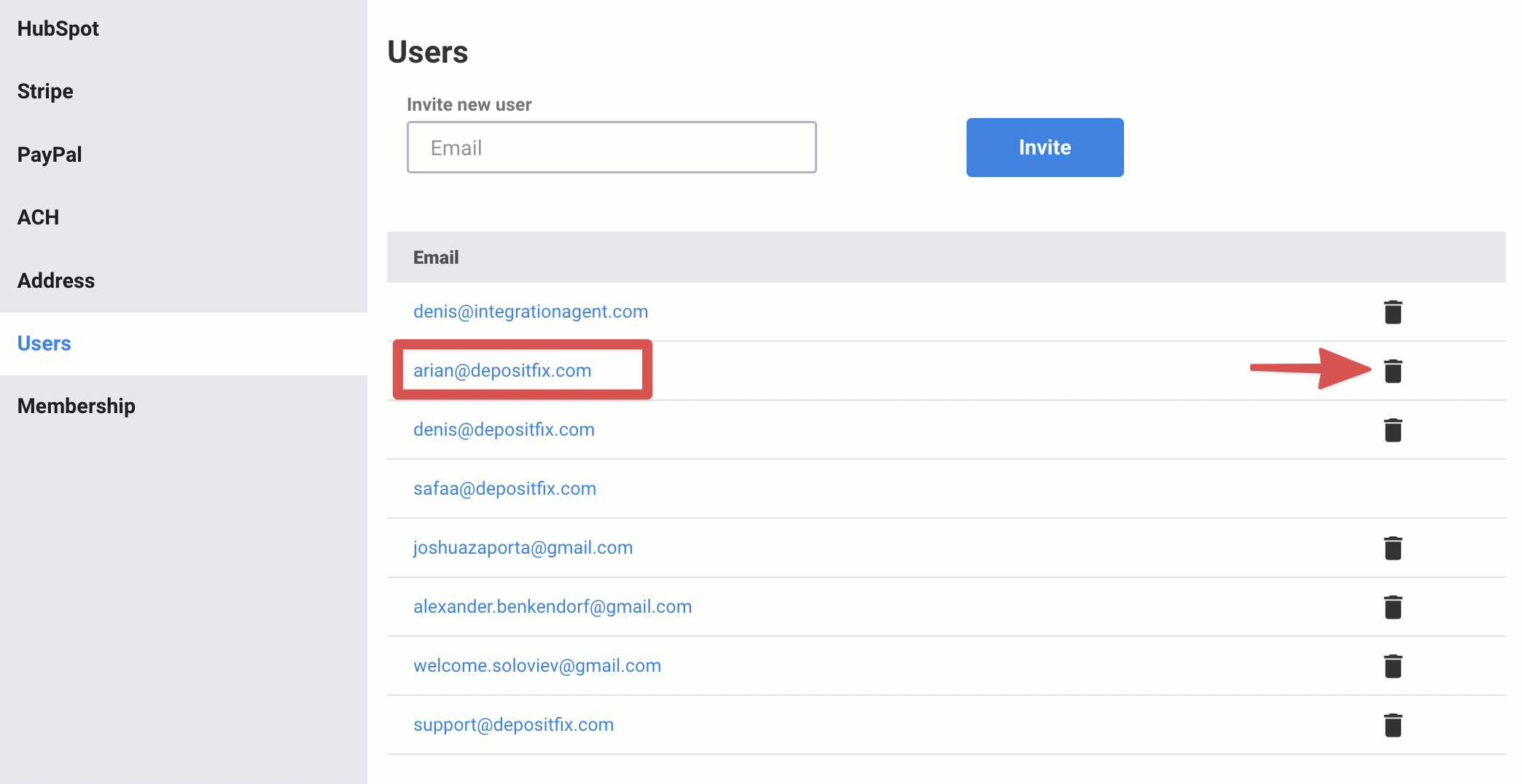
Once a user is removed, they will no longer have access to your DepsoitFix account. But you can re-invite them at any time.