You can set the form to redirect to an external page after submission. This is commonly used for thank you pages after payments.
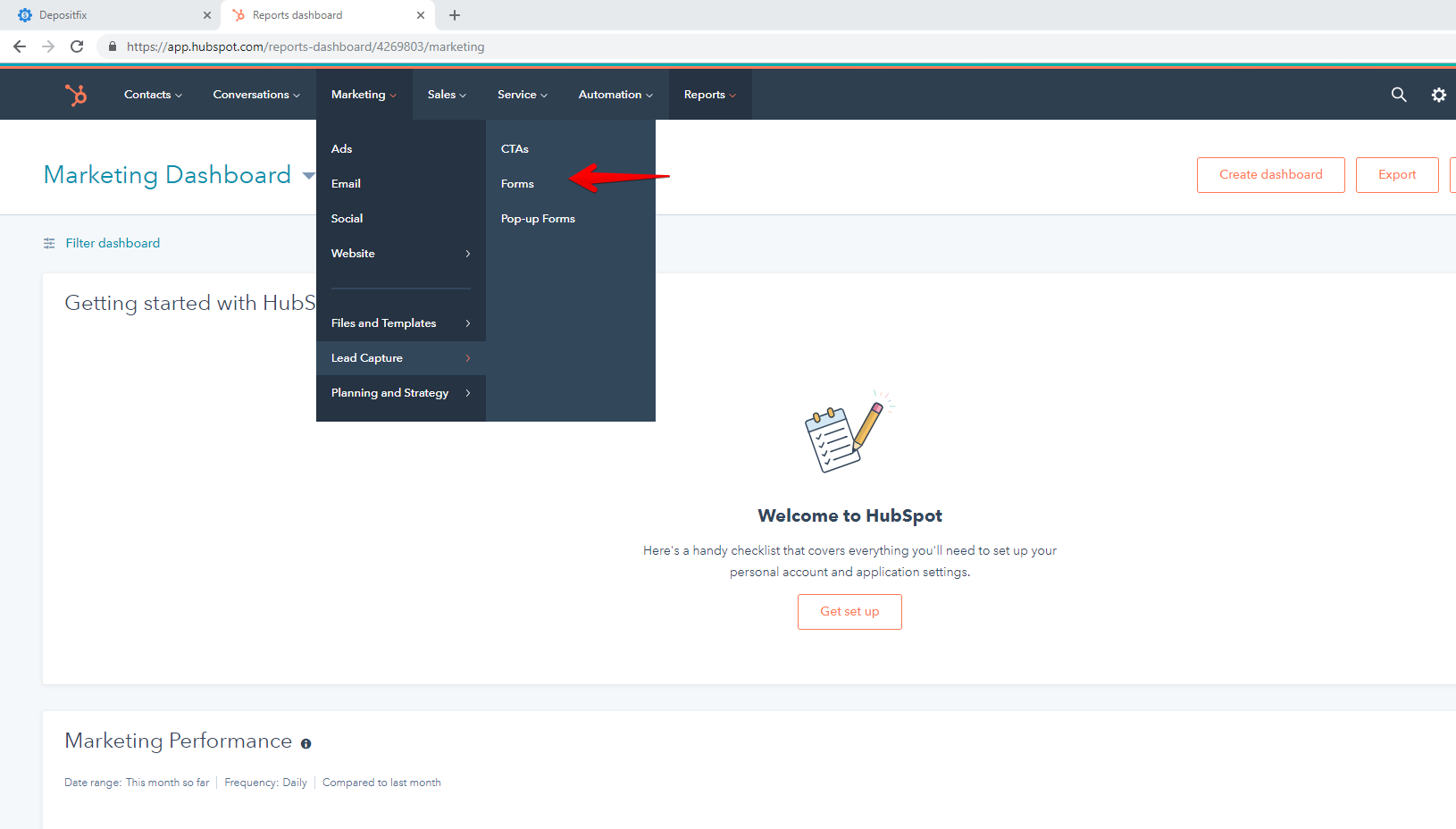
From your HubSpot account, access your base form by going to Marketing - Lead Capture - Forms.
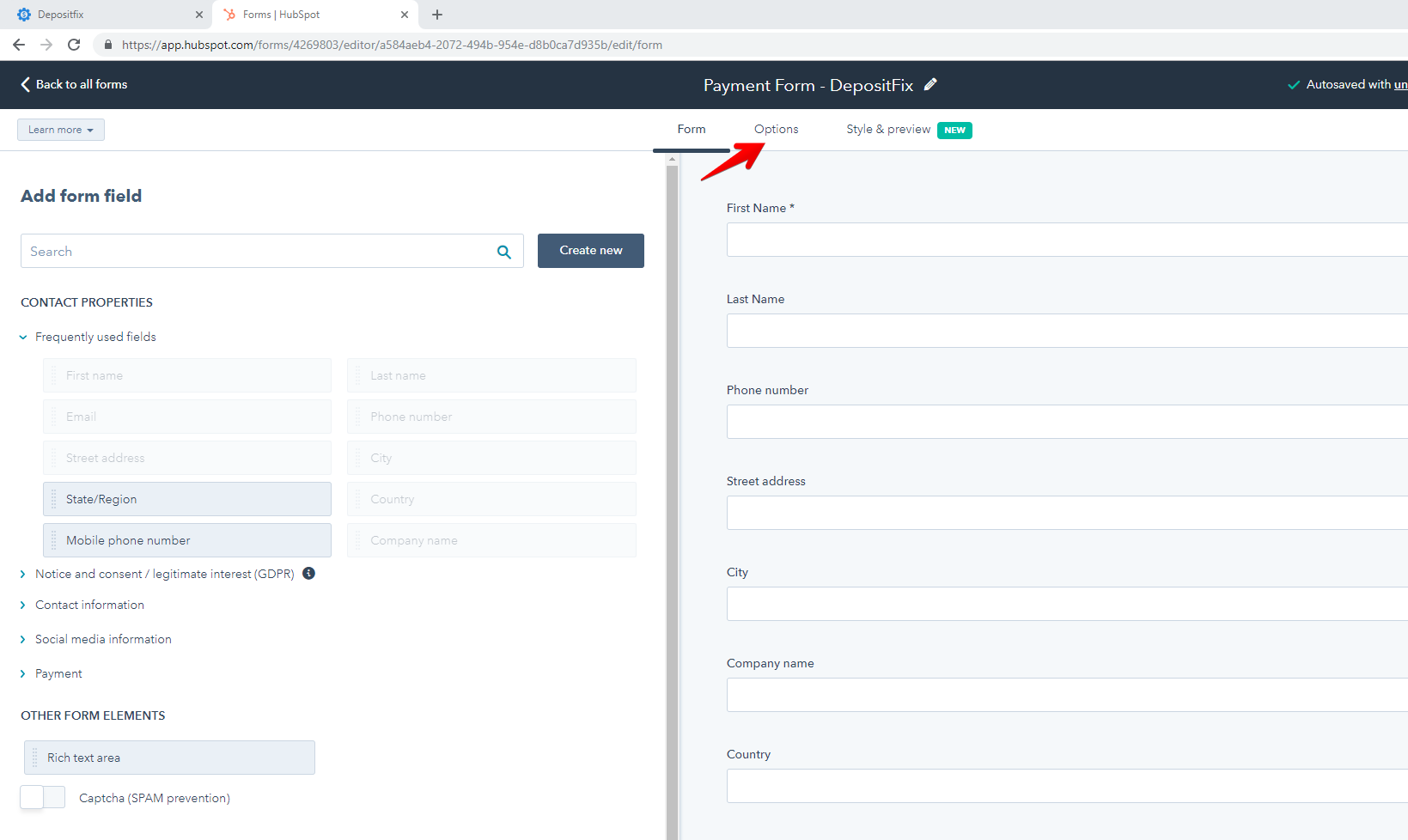
Choose the base HubSpot Form and go to Options.
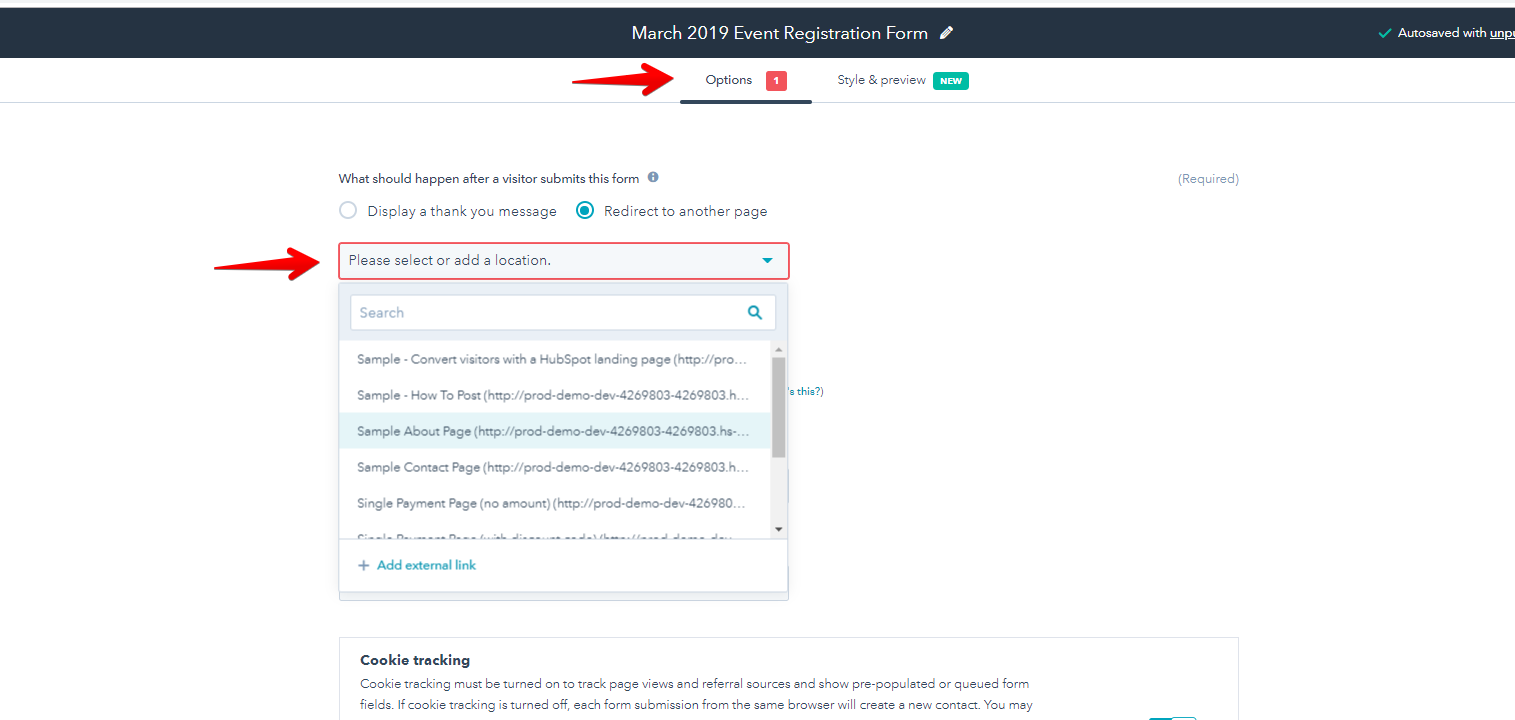
You can add the URL or choose the page from HubSpot on the dropdown.
DepositFix says:
We suggest creating a form specifically for the payments. There are instances where you may want to use the same form on another page and any edits made, will affect the payment form. Clone the form and just add "-DepositFix" on the name to give it distinction that this is for payments only.
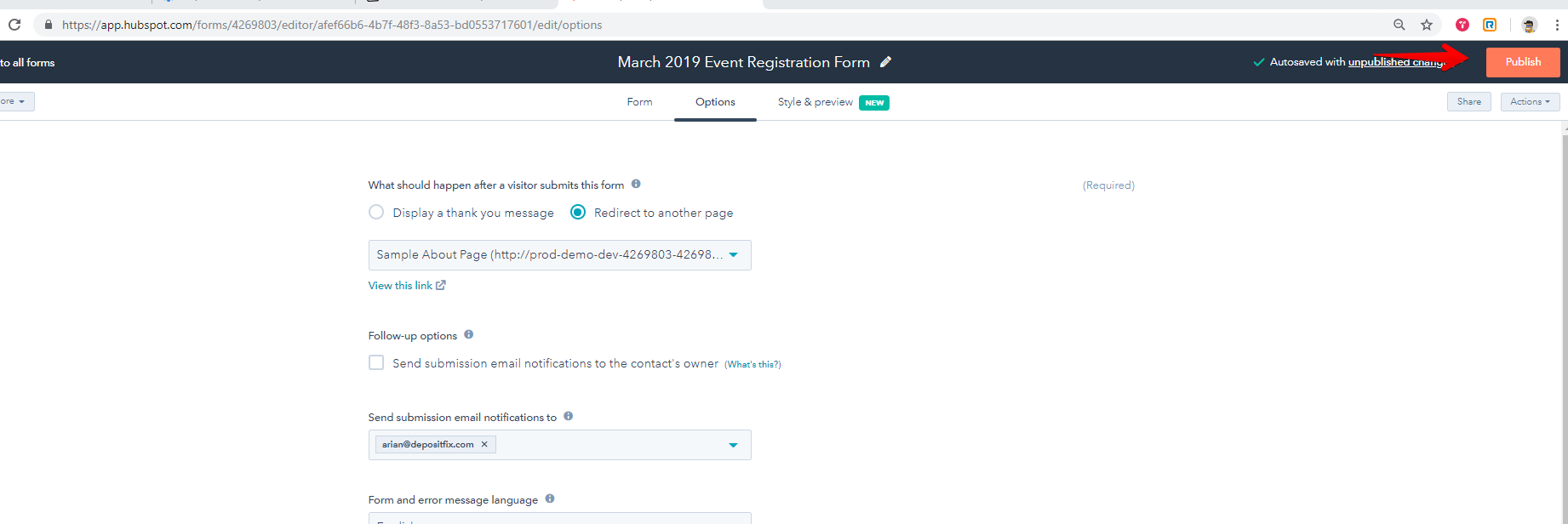
Click on Publish once done.
You are all set, after a payment is submitted, the customer will be redirected to the page.
Next: Payment Events