You can set enrollment triggers for your successful workflow using DepositFix timeline events inside HubSpot.
Inside your workflow, you'll find two types of DepositFix timeline events
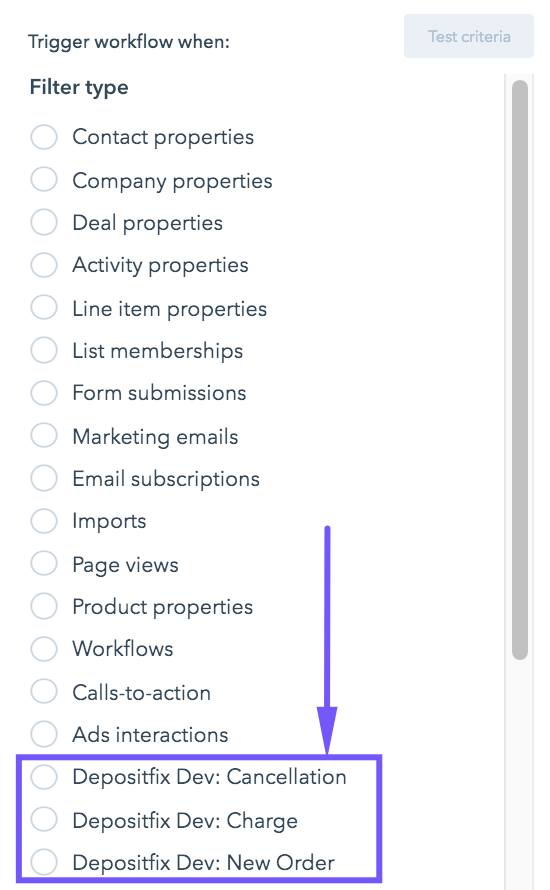
DepositFix: New Order is triggered only once when the payment form is submitted and all payment information is synced to HubSpot. This is most suitable for sending initial payment notification emails or performing initial enrollment actions.
DepositFix: Charge is now triggered only for recurring payments or payments triggered directly from Stripe. This is most suitable for sending monthly receipts to your subscribers or performing recurring payment-based actions.
DepositFix: Cancellation is triggered when a customer cancels their subscription, which allows you to run automation and workflows based on the cancellation event. This is particularly useful if you are looking to run some actions following a cancellation (i.e. send emails, unsubscribe from a list, update properties, etc).
Next: Pre-defined workflows and email templates
Back: Redirect After Payment