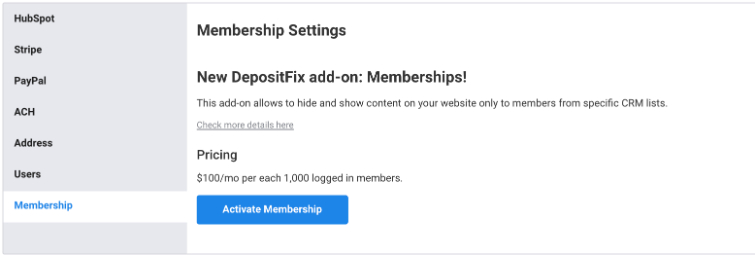
The membership add-on allows you to limit access to pages and content on your website to certain members. DepositFix will take care of members' login, access levels, permissions, etc.
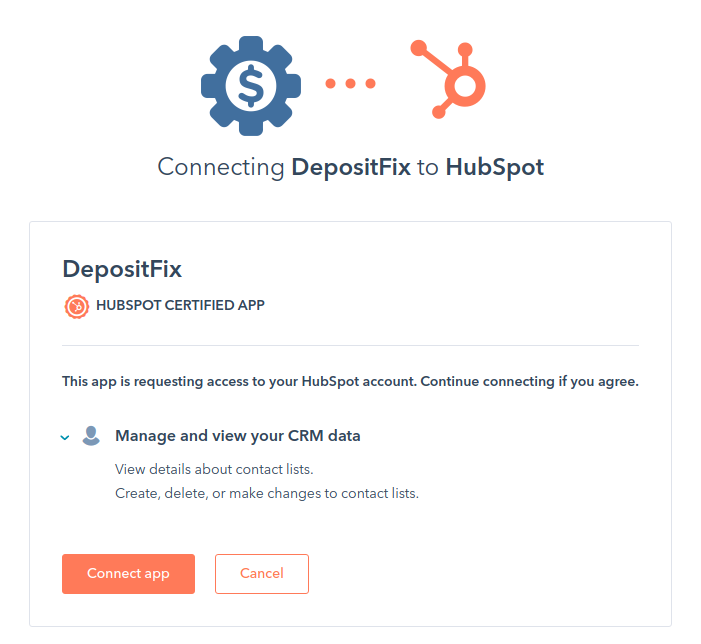
Important: You may need to re-connect your HubSpot to allow CRM permissions. From Your DepositFix dashboard, go to settings > Connect HubSpot.
Setting up Your Membership Add-on
To set up your membership:
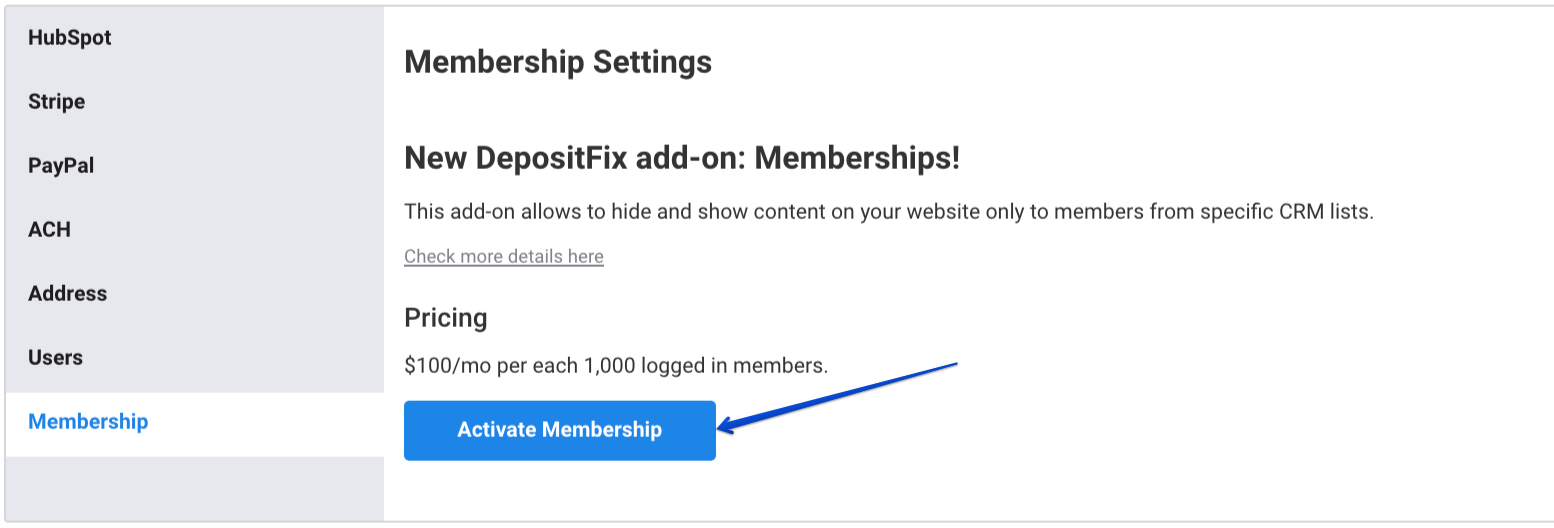
1. From Settings > Membership > click on Activate Membership
2. Fill in the details with Your company name, company website, and the page URL you want to show when access is denied (for logged-in users), and click Save.
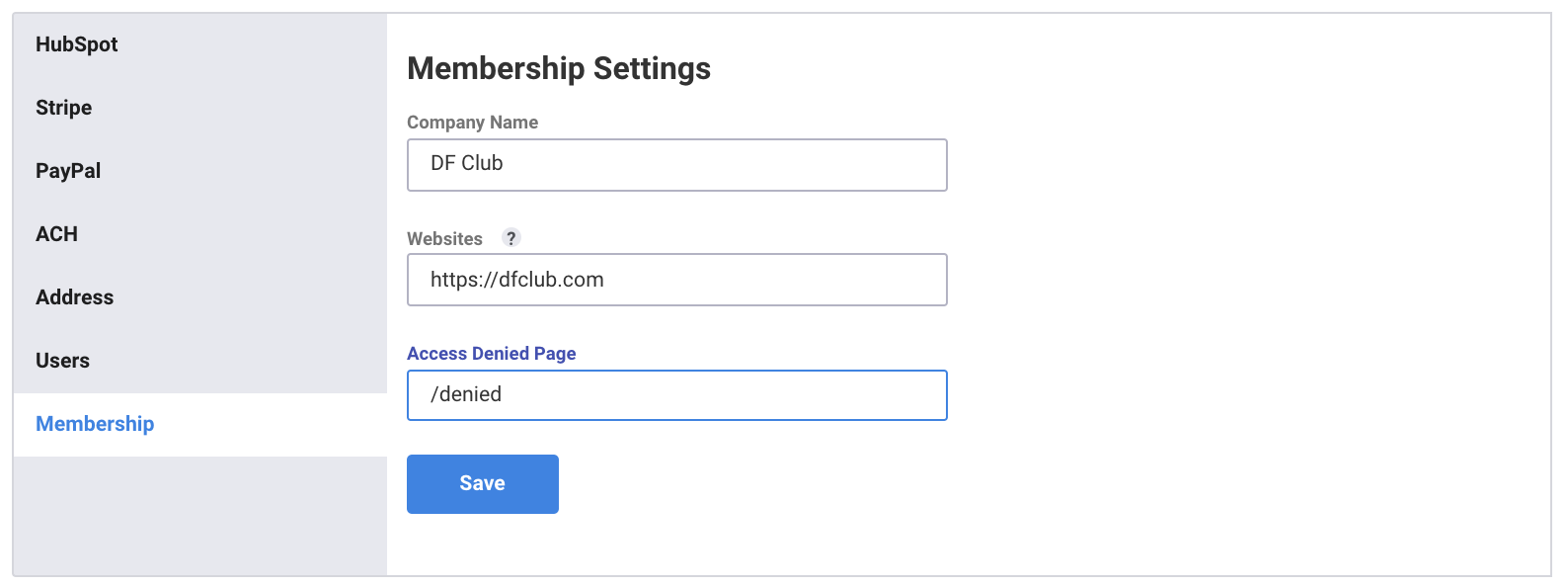
Note: you can add multiple websites at the same time. Multiple websites need to be comma-separated and have the format (https://domain). You can also use a wildcard at the subdomain level.
3. Your membership is now set up, and your embed code is generated.

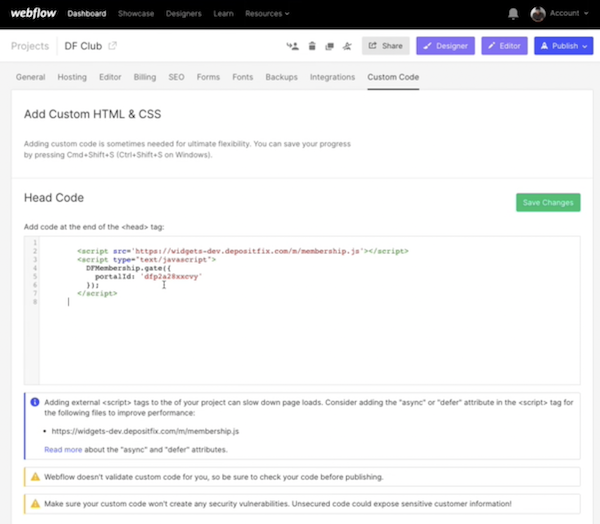
To implement the code into your site, copy the code snippet and add in the <head> tag on your site pages. With most CRMs, you can go to Site Settings > custom code.
Example from Webflow
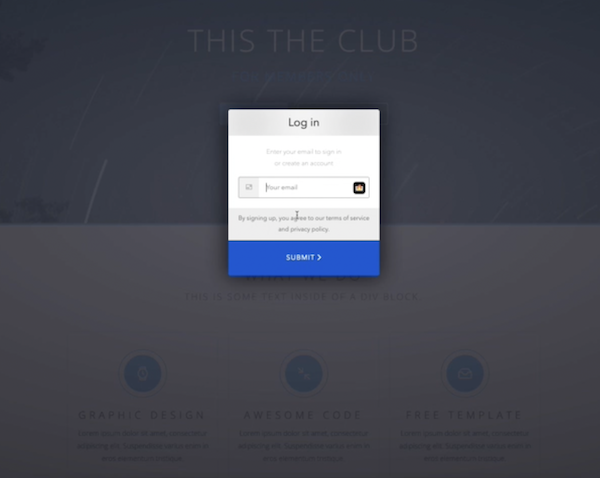
You can include a login pop-up to your pages by adding /#/login to the page URL (i.e., HTTPS:<yoursite.com>/#/login).
Now that your code is implemented and your site is ready to go, you can set access rules and manage membership levels.