Implementing the code snippet into your site is the first step in setting up your Membership add-on. To lock content to certain members, you must create access rules and identify which user lists get access to which page(s).
To create access rules:
1. Click on Create access rules.
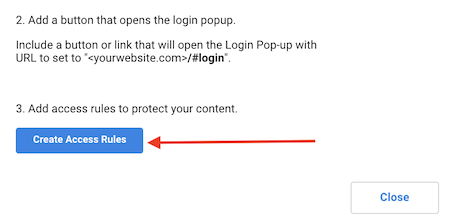
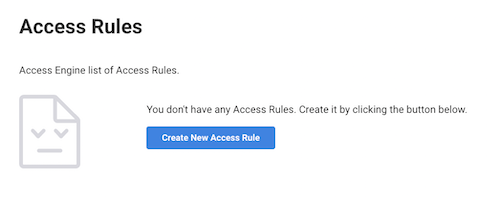
2. This will open up the access rules page to create unlimited access rules for different pages/sites.
3. To create a new rule, click on Create New Access Rule.
4. Fill in the information accordingly and select the CRM list that contains the authorized contacts information, the type of content, and the URL(s) or URL extensions of the pages you want to give them access to.
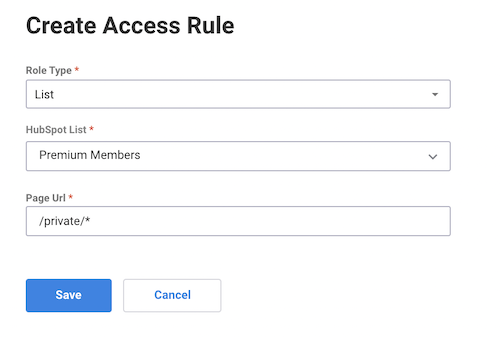
5. Click on Save.
Now users will be asked to log in and only be given access to the specified pages in their access rules.