DepositFix uses Stripe and PayPal to process payments. With Stripe, you can create different types of payments, sync your products, send notification emails, and much more; PayPal is more limited, but you can still process payments with PayPal using DepositFix.
- Getting Started with Stripe
- Creating your DepositFix account
- Connecting HubSpot to DepositFix
- Connecting your Payment Gateway (Stripe/PayPal)
Getting Started with Stripe
If you want to accept credit and debit card payments, you will need to have a Stripe subscription; if you don't have a stripe account, follow the steps below to create one.
Note: you can skip this step if you want to set up a trial and test quickly; learn more.
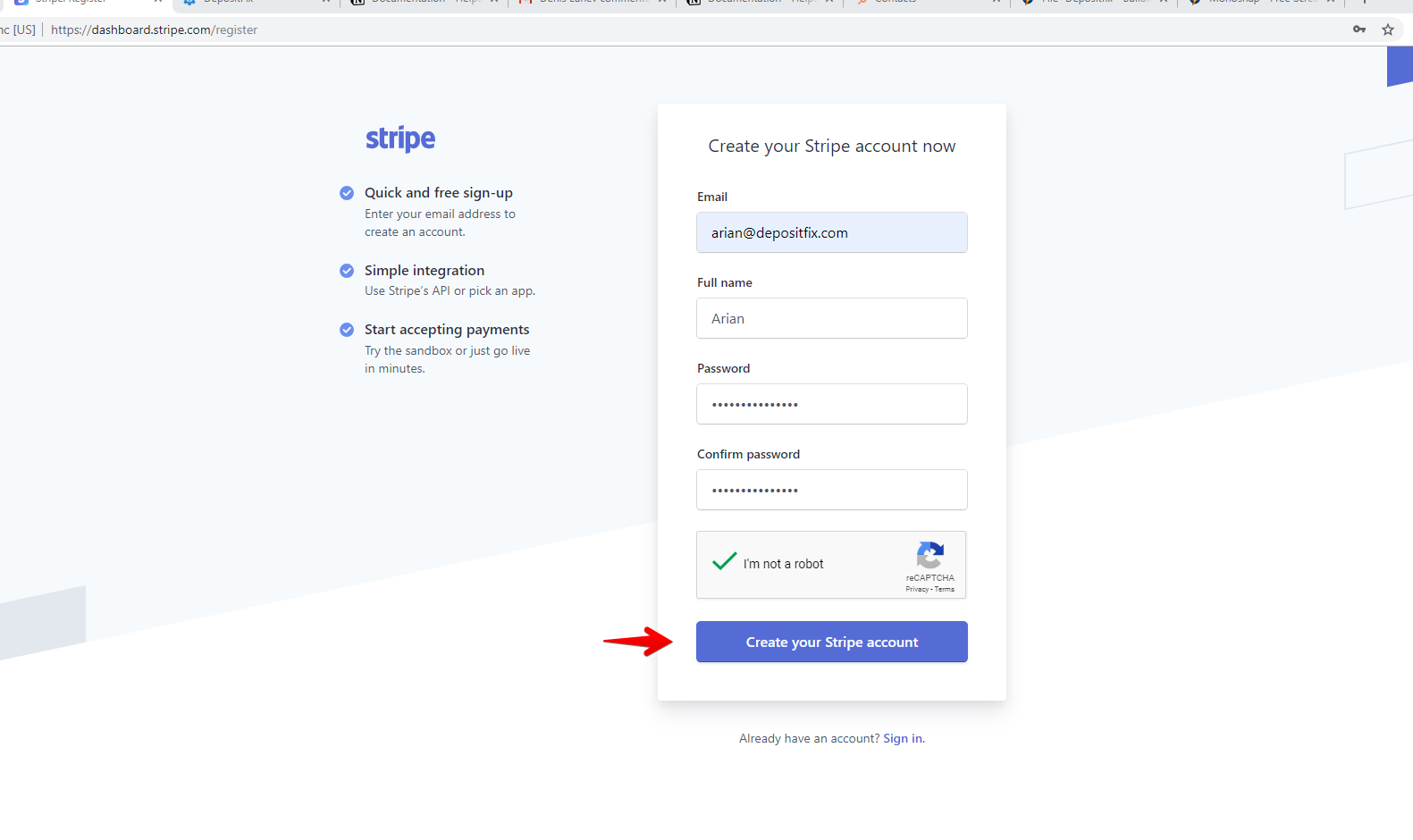
1. Go to https://dashboard.stripe.com/register, fill out the information, and click on Create your Stripe account.
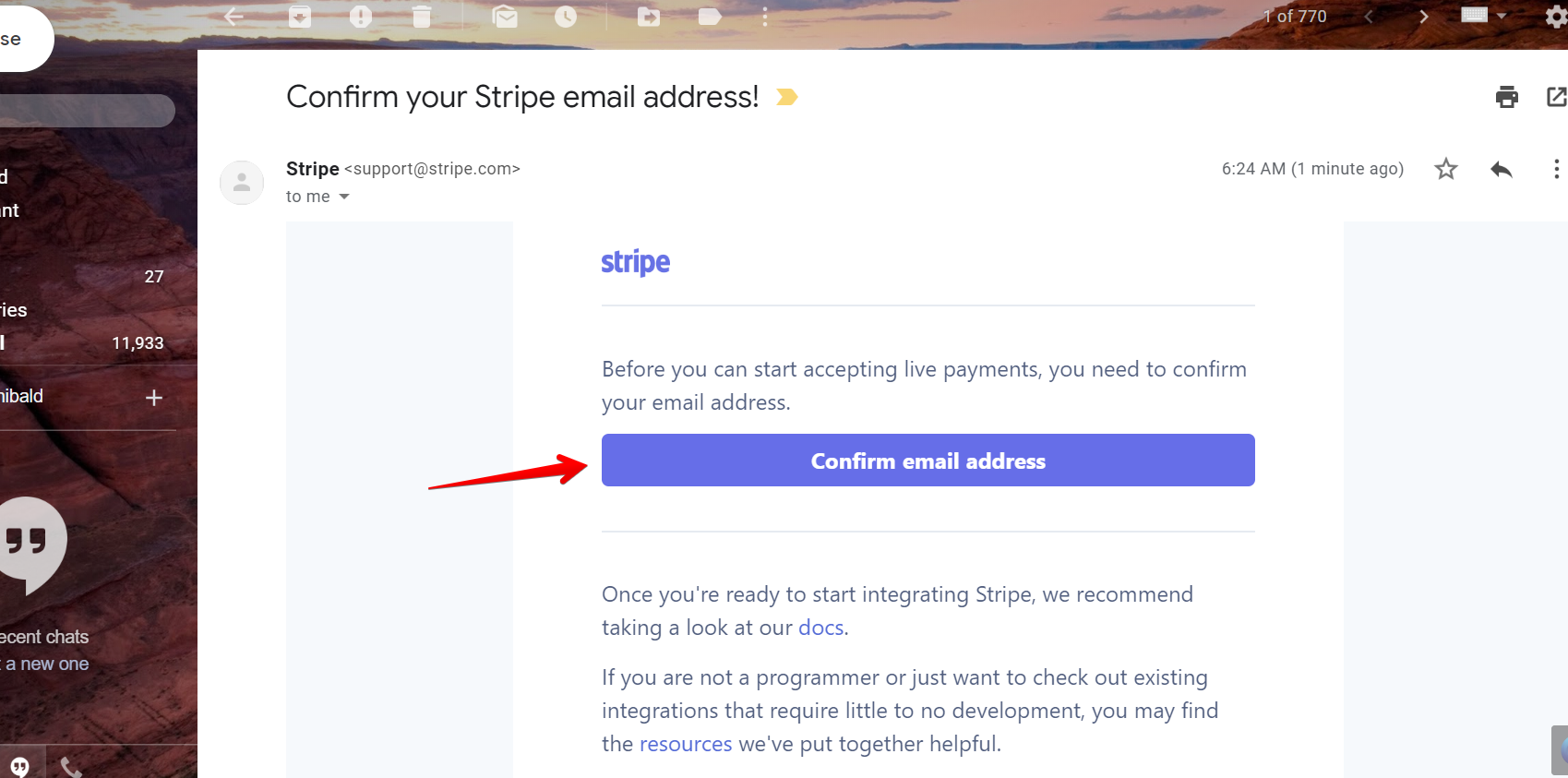
2. Stripe will send a confirmation email. Check your inbox and click on Confirm email address.
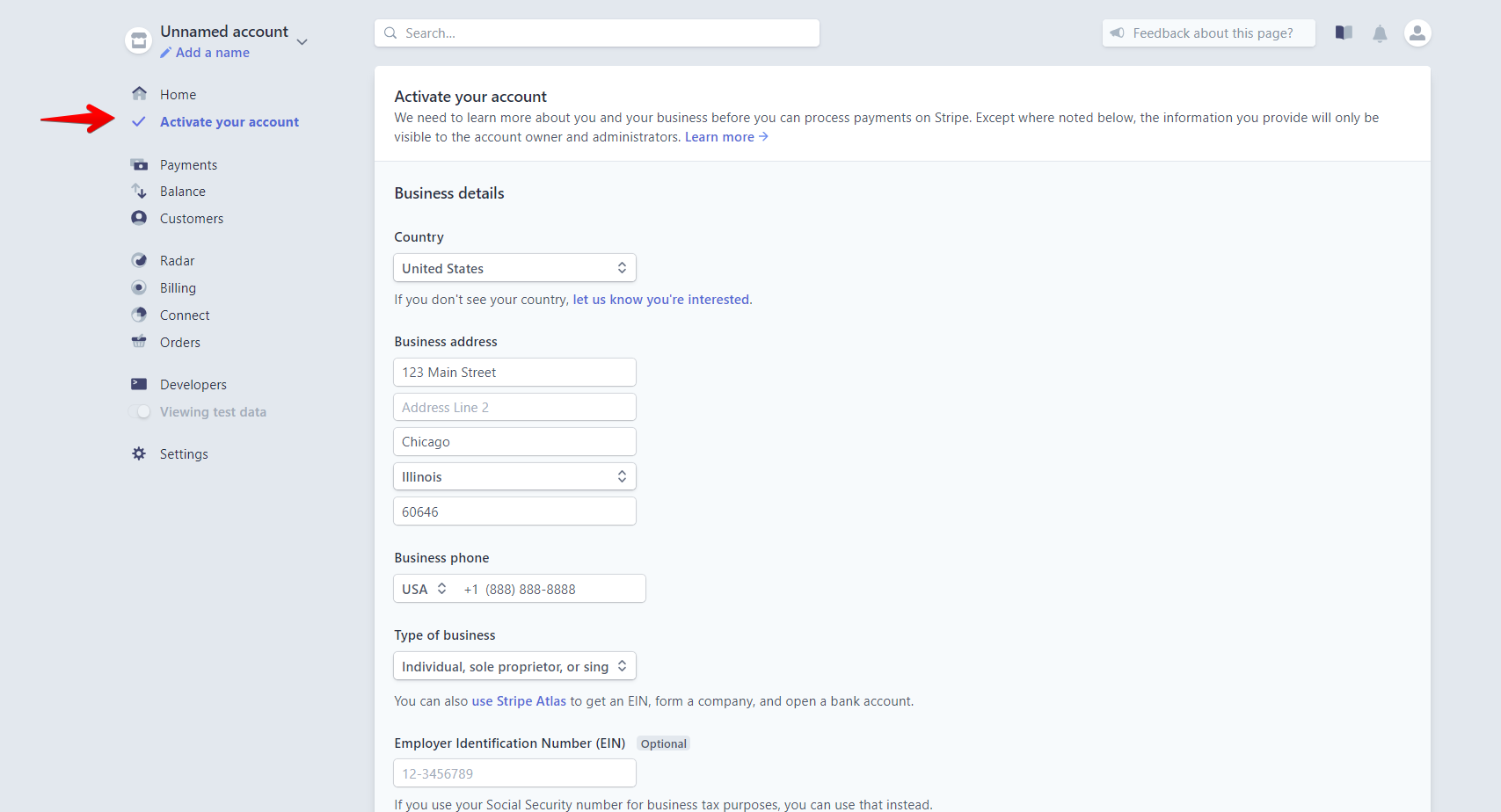
3. You will then get redirected to your Stripe dashboard.
Note: If you plan on using Stripe to collect live payments, you will need to activate your Stripe account; however, you do not need a live approved Stripe account to connect to DepositFix; you can still use an un-approved account for testing.
Click on Activate your account.
4. At the end of the form, click on Submit Application.
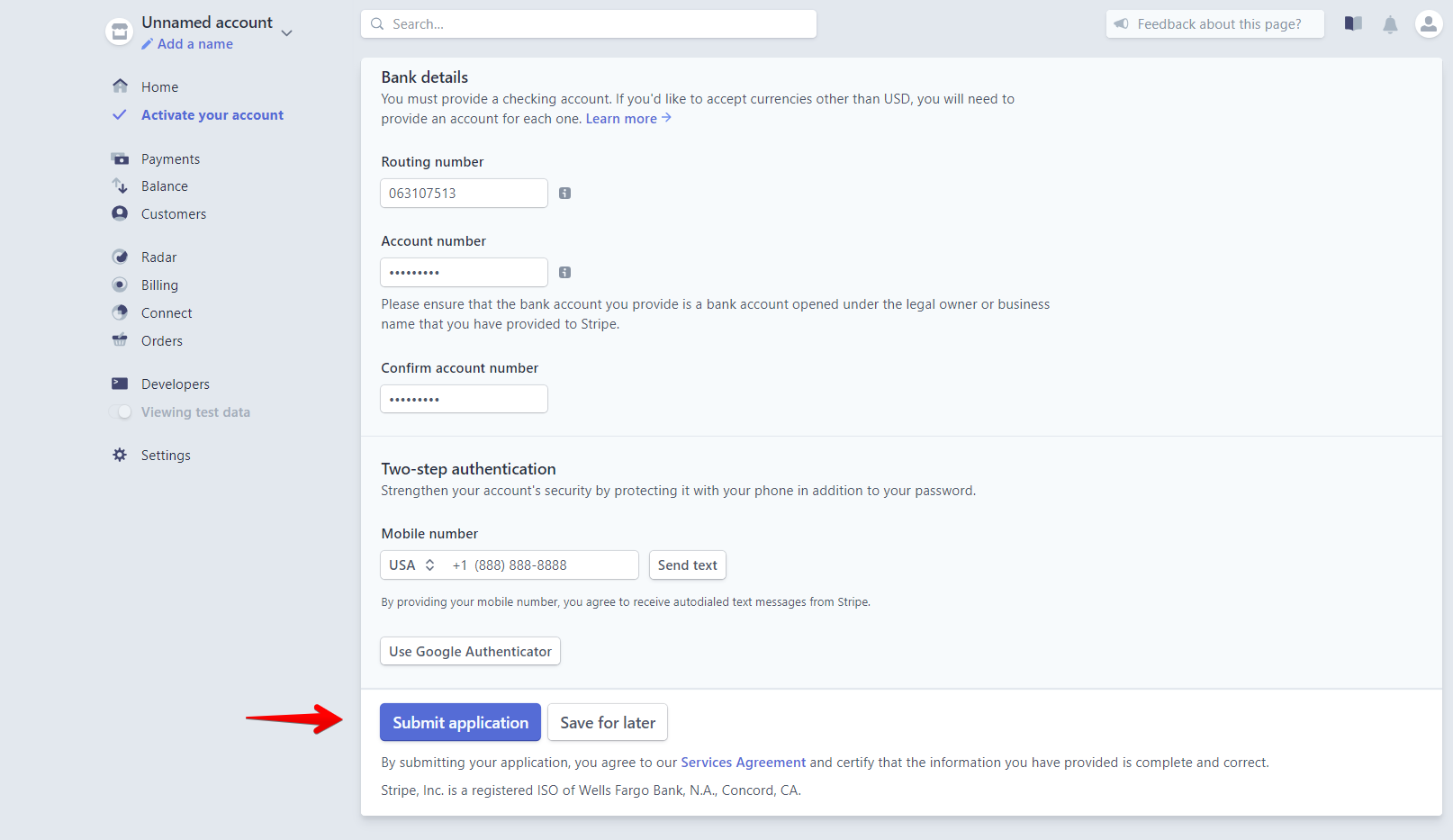
New Stripe accounts will go through an approval process. In most cases, this process is almost instantaneous, and most users will accept payments right away.
If more information is needed to complete the approval, Stripe will contact the account owner.
Creating your DepositFix account
Now that you're ready to go, you can sign up for your new DepositFix account using your email and a password of your choice, this will create a new stand-alone DepositFix account for you, which you can connect 1 or multiple HubSpot portals to.
1. Click on Create new account
2. Fill in your email and password, and click Sign up.
3. Once your sign-up is successful, you will be redirected to DepositFix's onboarding page where you can connect your HubSpot portal.
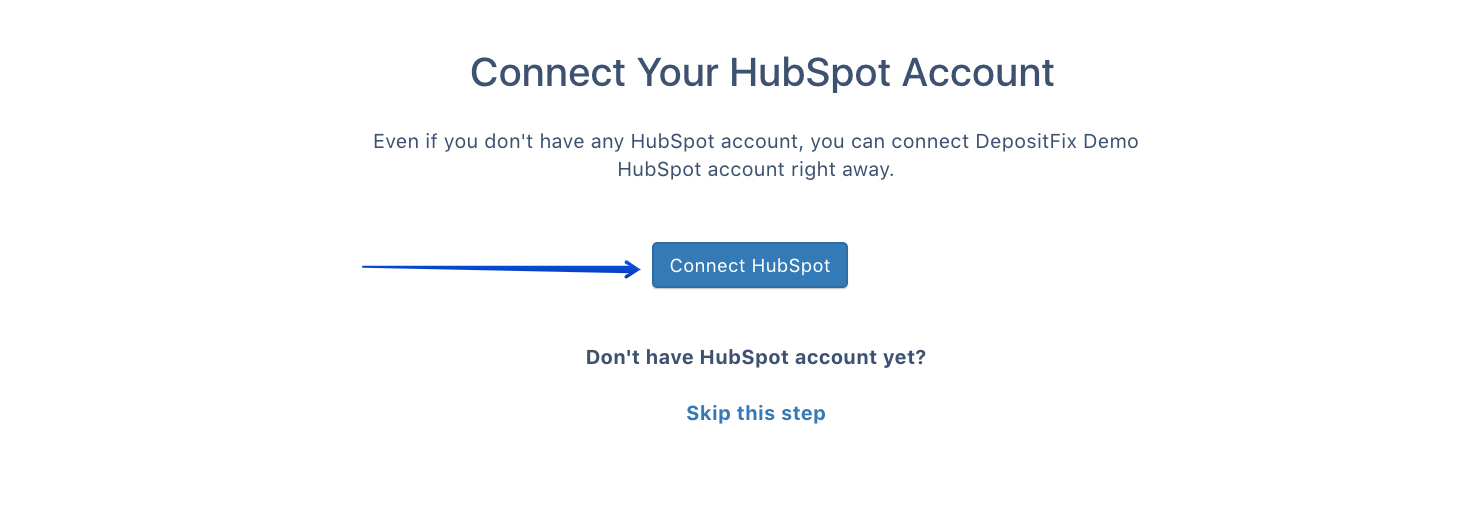
Note: If you don't have a HubSpot account yet or if you're just looking to see how DepositFix integrates, you can click on "skip this step" to try out our Demo account, where you can create demo forms and submit test payments.
Connecting HubSpot to DepositFix
DepositFix will connect your HubSpot, Stripe accounts in less than a minute with just a couple of clicks.
When you first connect to DepositFix, you will be able to set up a free two-week trial with full access to all DepositFix features.
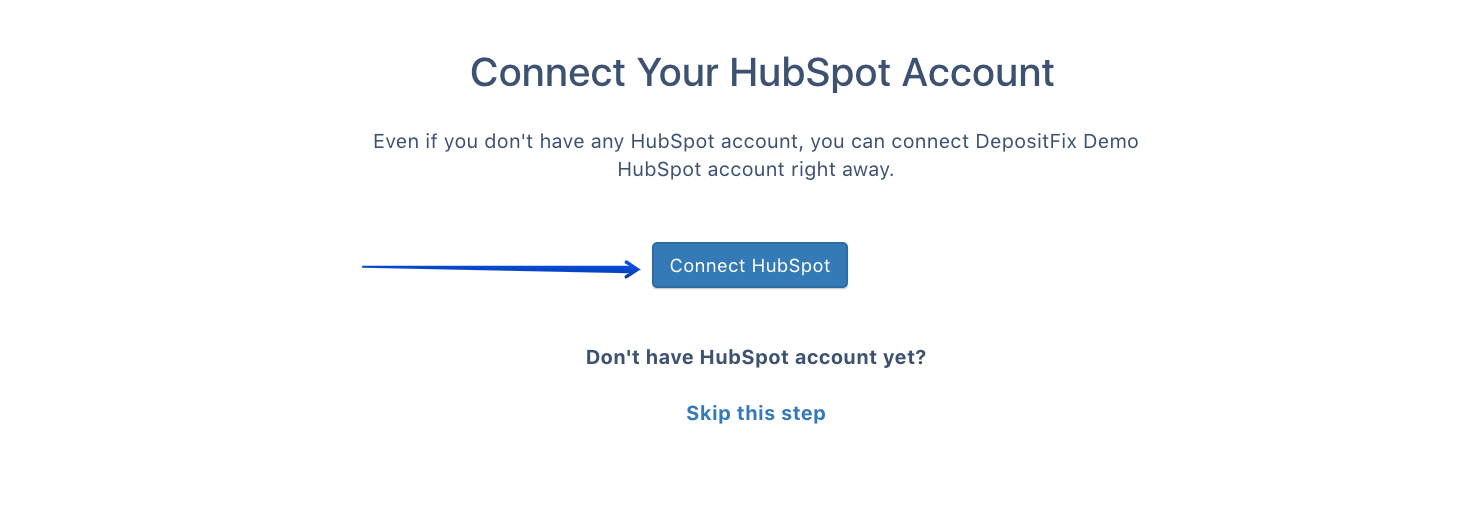
1. Go to http://app.depositfix.com/ and login with your account, and click on Connect HubSpot.
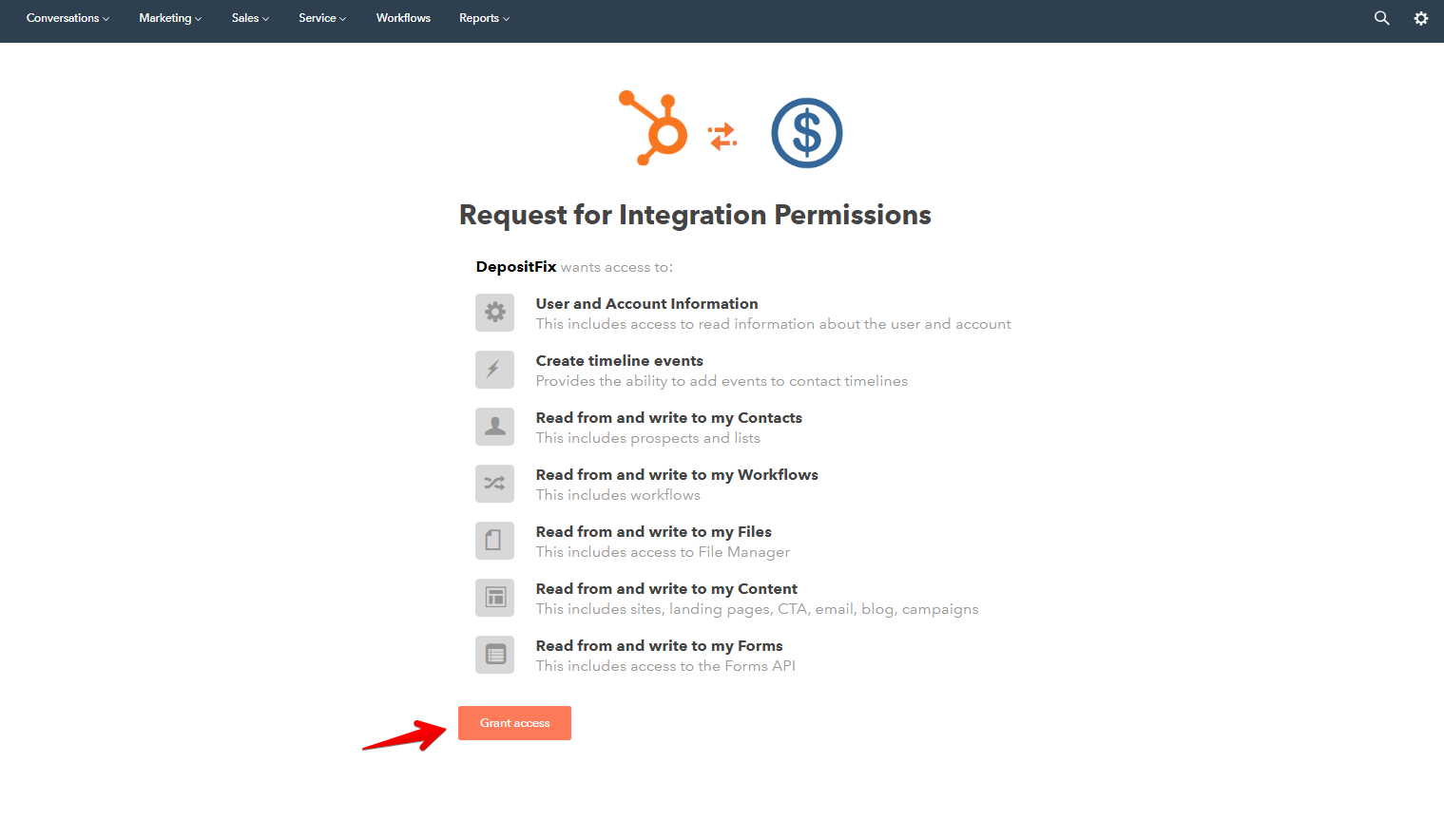
2. After you log in, you will be redirected to this page, where you can connect your HubSpot account to DepositFix. Click on Grant access
3. You have now connected your HubSpot account and created a DepositFix account. You will be redirected to connect your payment accounts.
Now that you have created your DepositFix account, you can connect your payment gateways. It is recommended that you connect the test mode first and then switch to live when you're ready to process live payments.

Select the payment account you want to connect.
Note: you can skip this step if you want to set up a trial and test quickly; learn more.
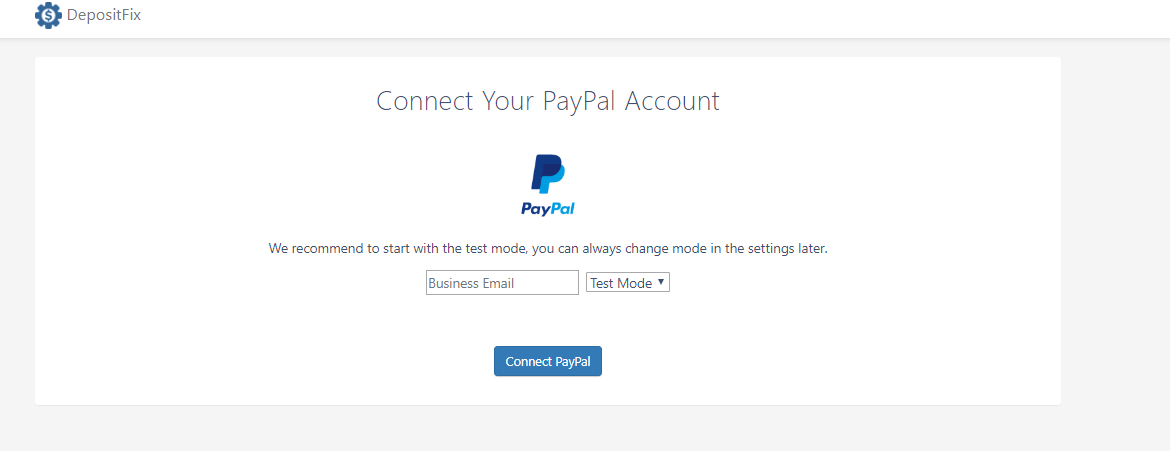
For PayPal, add in your business email, make sure Test Mode is selected, click on Connect PayPal, and follow screen instructions.
For Stripe, click on Connect Test Account and follow screen instructions to connect.
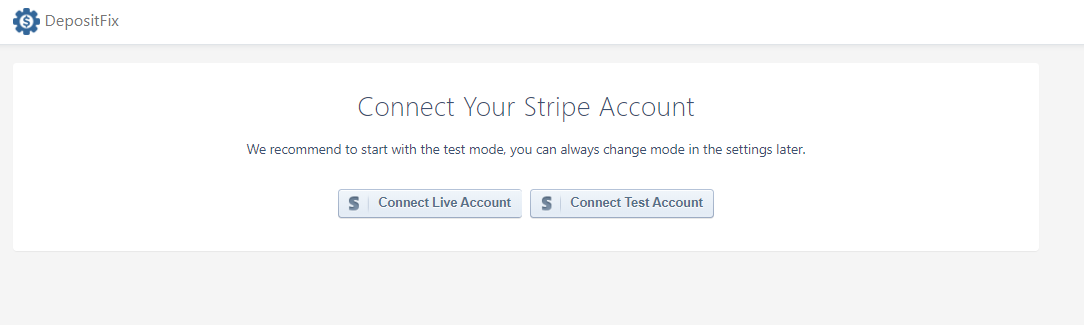
4. After you've connected your payment account, you will be redirected to a page that will list what fields and properties are added to your HubSpot as part of your subscription to DepositFix. Click on Go To DepositFix.
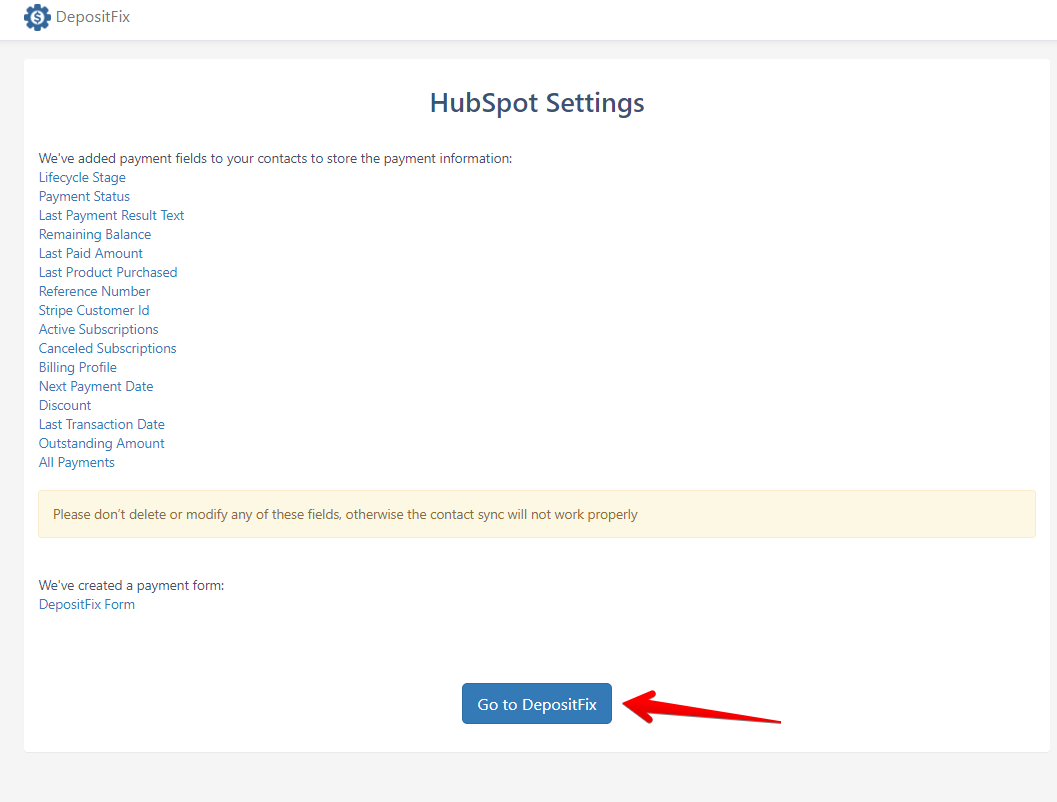
You are now all set to the simplest and most efficient way of accepting payments through your HubSpot forms.
Setting up Subscriptions in Stripe
If you plan to accept recurring payments on your site, you are in great hands.
DepositFix is an expert in setting up subscriptions on your HubSpot forms. It will pull the details of the plan (amount and terms) from Stripe.
Stripe provides a detailed step-by-step guide on how to set up subscriptions.
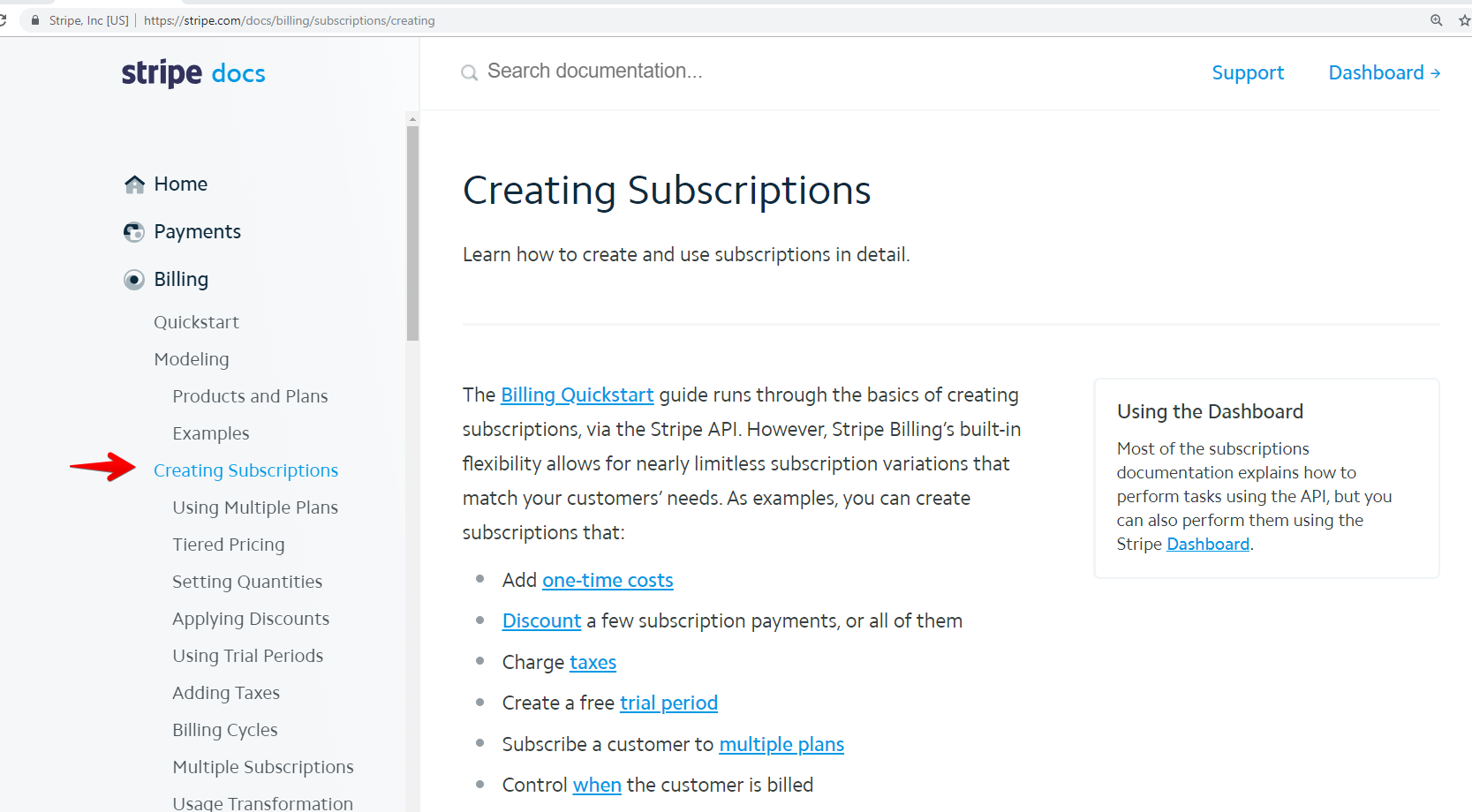
Once the subscription plan is set, DepositFix will implement it using our Form Builder.